
Deployment Prerequisite Checklist
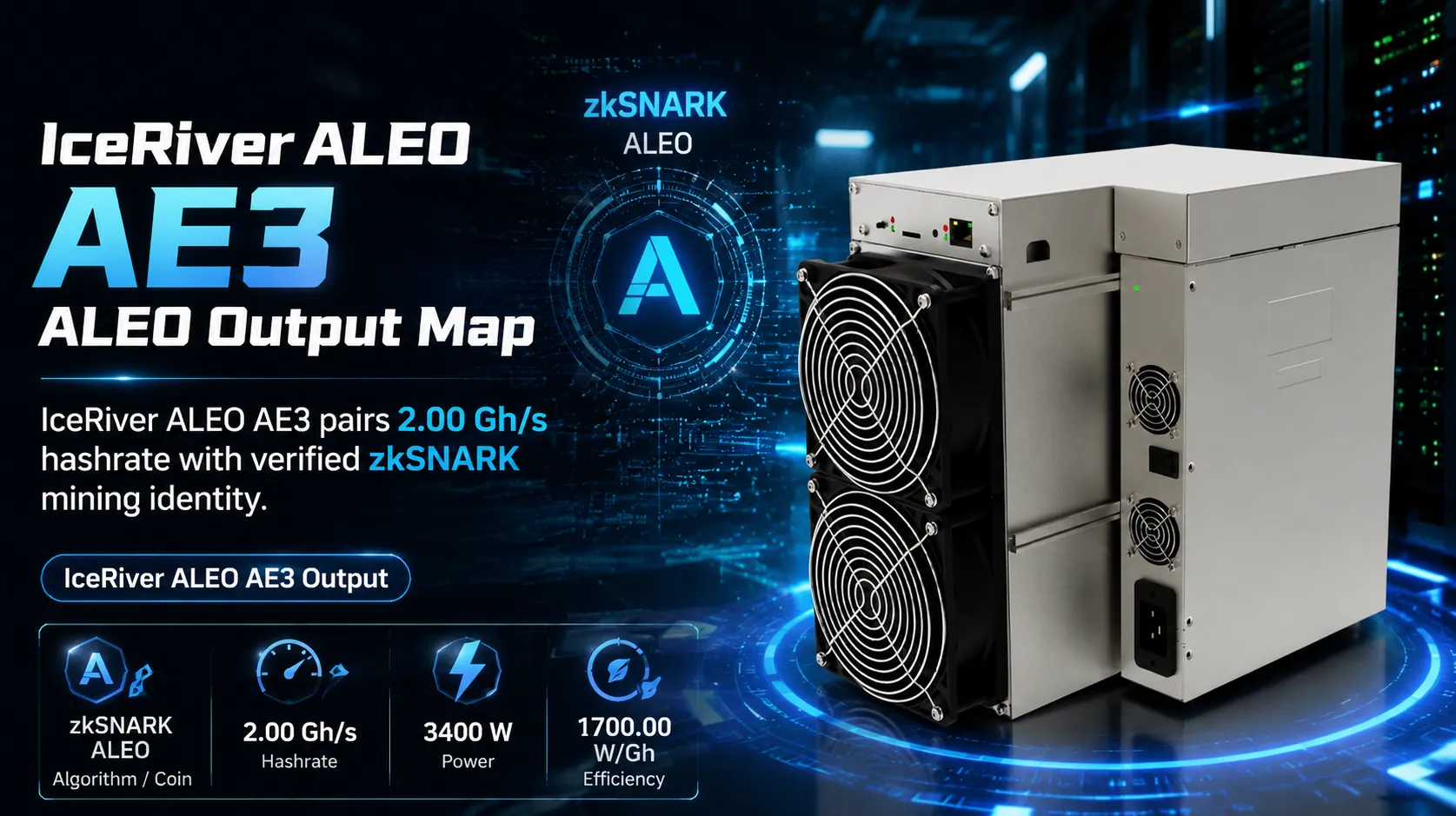
IceRiver ALEO AE3 setup should begin with site readiness, not random firmware changes. Before power is applied, the operator should confirm the selected unit, expected zkSNARK / ALEO pool target, power compatibility, network access, and physical condition so that first-boot issues can be separated from real hardware faults.
· Power readiness: Confirm the circuit, plug, PDU, and continuous load plan for 3400 W.
· Network access: Prepare Ethernet or Wi-Fi details according to the listed network mode: Network mode requires live product confirmation.
· Pool credentials: Confirm pool URL, worker name, password format, and wallet address before login.
· Physical inspection: Check fans, cables, hashboard seating, packaging damage, and airflow path before startup.
Configuration & Networking
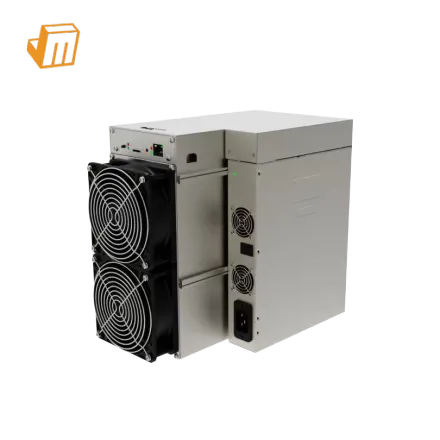
1. Physical inspection: Place IceRiver ALEO AE3 on a stable surface or rack position with clear intake and exhaust space. Verify that the chassis, fans, power connectors, and visible boards match the product listing before the unit is energized. 2. Power connection: Connect the miner only after the electrical path is confirmed for 3400 W continuous draw and the correct voltage range. If voltage or plug compatibility is unclear, stop and ask a qualified electrician or JingleMining support before testing. 3. Network IP locating: Connect the miner to the same local network as the setup computer, scan the LAN for the device IP, then log in to enter the correct zkSNARK pool settings.
> Pro Tip: Record the original firmware version, IP address, pool settings, and first-hour dashboard readings before changing any tuning parameter; this makes later support much faster and prevents accidental configuration drift.
Diagnostic Flowchart
Red Fault Light
If a red fault light appears, first confirm power stability, intake temperature, and whether the miner dashboard reports a specific board, fan, or temperature issue. Do not keep rebooting blindly; record the error, cool the unit if needed, and retest only after the physical cause is checked.
Offline Hashboard
An offline hashboard can come from loose seating, unstable power, firmware mismatch, or a real board fault. Power down safely, inspect connections, compare dashboard board detection, and escalate to JingleMining support if the same board remains missing under stable site conditions.
Fan RPM Error
Fan errors usually point to blocked airflow, a damaged fan, loose fan cable, or temperature protection. Clean the intake path, inspect the fan header, verify that the fan spins freely, and avoid operating the miner until cooling behavior is stable.
Technical Support
If IceRiver ALEO AE3 still fails after power, network, pool, fan, and dashboard evidence are checked, stop repeated retries and prepare a support package with screenshots, logs, serial details, site voltage, network mode, and photos of the installation. Contact JingleMining Support for guided troubleshooting and safe next steps.
Frequently Asked Questions (FAQ)
Q: How do I find the IP address of my miner?
A: Use a router client list or a LAN IP scanner on the same network as the miner. Match the new device entry to the miner, then open that IP address in a browser.
Q: What should I do if the red fault light is flashing?
A: Stop repeated rebooting and check power, temperature, fan behavior, and dashboard errors first. If the same fault repeats under stable conditions, contact JingleMining Support with screenshots and logs.
Q: How often should I perform routine maintenance?
A: Inspect airflow, dust, cables, and dashboard temperature at least monthly in normal environments. Increase the interval in dusty, hot, or high-density deployments.