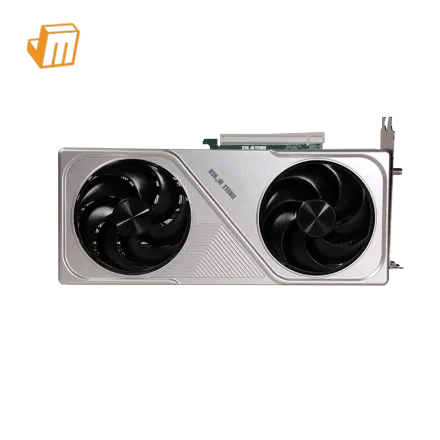

Setting up a new Jingle Miner LTC-DOGE Hashcard, particularly the 600 MH/s variant, requires meticulous attention to detail to ensure optimal performance and longevity. This guide provides a comprehensive walkthrough, from initial deployment prerequisites and network configuration to diagnosing common operational issues. The Jingle Miner LTC-DOGE Hashcard is engineered for efficient Scrypt algorithm mining, targeting both Litecoin (LTC) and Dogecoin (DOGE), and understanding its proper integration into your mining environment is crucial for consistent output and minimizing downtime. This document aims to equip users with the knowledge necessary to deploy their hashcard effectively and troubleshoot any challenges that may arise during its operation, leveraging its low 160W power consumption for accessible mining.
Deployment Prerequisite Checklist
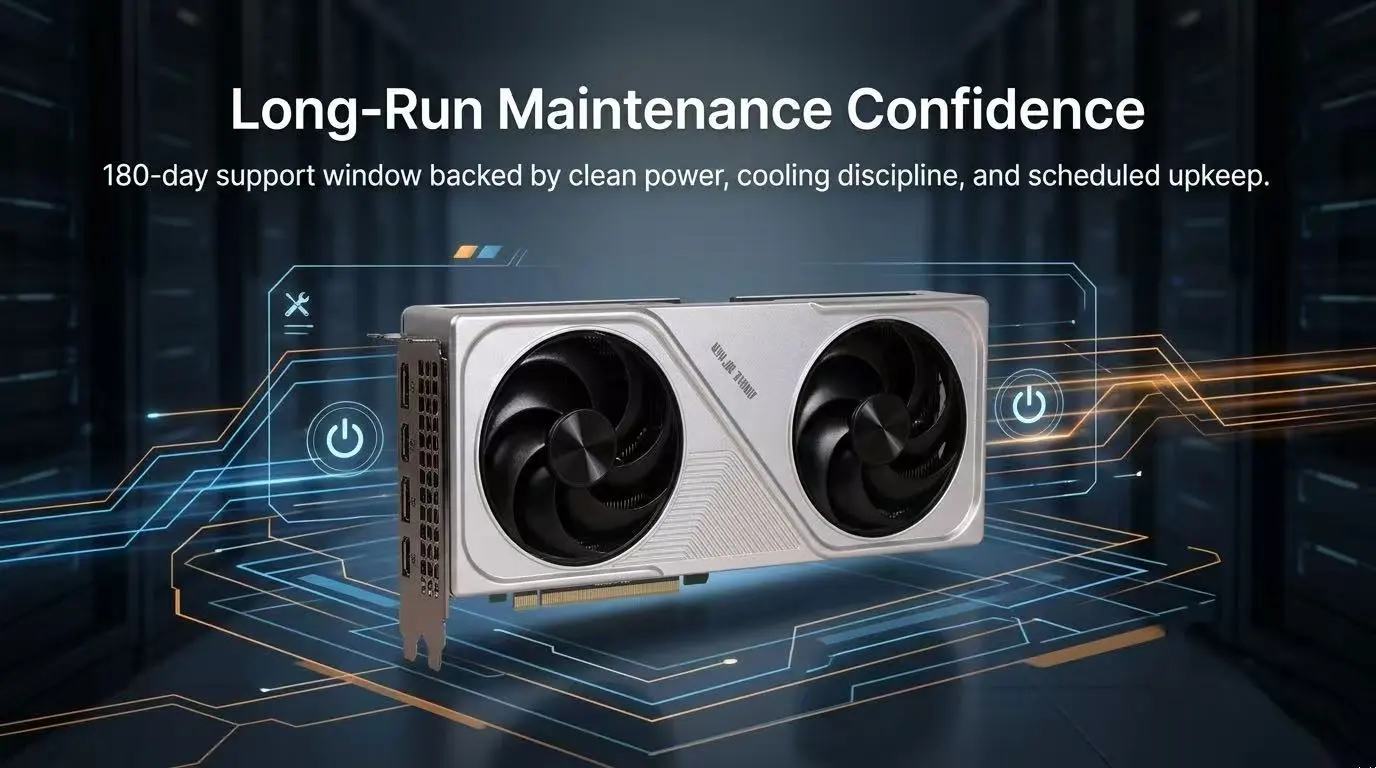
Before initiating the setup of your Jingle Miner LTC-DOGE Hashcard, a thorough readiness assessment of your environment is paramount. Proper preparation not only streamlines the installation process but also mitigates potential issues that could lead to performance degradation or hardware damage. Given the hashcard's 160W power draw, ensuring a stable and appropriate electrical supply is a primary concern, alongside considerations for network connectivity and thermal management. Rushing through these foundational steps can result in frustrating setbacks, making this checklist an indispensable first stage for any deployment.
· Stable Power Supply: Your Jingle Miner LTC-DOGE Hashcard requires a stable 12V DC power source, capable of delivering at least 160W, plus a small buffer. This often necessitates a server-grade power supply unit (PSU) with appropriate PCIe 6-pin or 8-pin connectors, depending on the hashcard's specific power input requirements. Ensure the PSU is rated for continuous operation and provides clean, consistent power to prevent fluctuations that could harm the delicate ASIC chips.
· Reliable Network Connectivity: An Ethernet cable (Cat5e or Cat6) is essential for connecting your hashcard to your local network and, subsequently, to the mining pool. A stable internet connection with low latency is critical for consistent communication with the mining pool, minimizing stale shares and maximizing profitability. Wi-Fi is generally not recommended for ASIC mining due to potential instability and higher latency.
· Host System and Software: You will need a host computer (PC or Raspberry Pi) on the same local network for initial IP address scanning, accessing the hashcard's web interface, and monitoring. This system should have a modern web browser and potentially an IP scanner tool installed. Ensure your operating system is up-to-date and has Java Runtime Environment (JRE) if any specific monitoring software requires it.
· Adequate Ventilation and Cooling: Although the Jingle Miner LTC-DOGE Hashcard consumes only 160W, proper airflow is still vital to prevent overheating, especially if multiple units are deployed. Ensure the hashcard is placed in an area with good air circulation, away from direct sunlight or heat sources. Consider ambient room temperature and, if necessary, implement active cooling solutions like fans to maintain optimal operating temperatures, which typically prolong the life of the hardware.
Configuration & Networking
Configuring your Jingle Miner LTC-DOGE Hashcard for network access and mining pool connection is a critical step that dictates its operational effectiveness. This process typically involves identifying the device on your local network, accessing its internal web interface, and inputting the specific details of your chosen Scrypt mining pool. Precision in these steps ensures that your hashcard can communicate efficiently, submit valid shares, and contribute to the Litecoin and Dogecoin networks.
The initial phase of configuration involves locating your hashcard's IP address on your local network. Since the Jingle Miner LTC-DOGE Hashcard is designed to integrate seamlessly, it will typically acquire an IP address automatically via DHCP upon connecting to your router. If you are having difficulty locating the device, an IP scanner tool, readily available for various operating systems, can be employed to scan your network's IP range. Once identified, simply enter this IP address into any standard web browser to access the hashcard's dedicated management interface. The default login credentials (often "root" for both username and password) should be updated immediately for security purposes upon first access.
With access to the web interface, the next crucial step is to configure the mining pool settings. For Scrypt mining, you will need to specify the Stratum URL, worker name, and password provided by your chosen LTC+DOGE mining pool. Most interfaces allow for the configuration of multiple pools (e.g., a primary and two backups) to ensure continuous operation even if one pool becomes temporarily unavailable. It is essential to double-check these details for accuracy, as a single typo can prevent the hashcard from connecting and submitting shares. Save your settings after inputting them, and the hashcard should then initiate the connection process to the mining pool, indicated by an increase in hash rate and submitted shares on the dashboard.
> Pro Tip: Always use a static IP address for your mining hardware if possible. This prevents your router from assigning a new IP address to the hashcard after a power cycle or network restart, which could lead to connectivity issues and require re-scanning your network to locate the device. Consult your router's manual for instructions on how to reserve an IP address for your hashcard's MAC address. This simple step can save considerable troubleshooting time.
Diagnostic Flowchart
Miner Not Appearing on Network
If your Jingle Miner LTC-DOGE Hashcard is not visible on your network or its web interface is inaccessible, begin by physically checking all connections. Ensure the Ethernet cable is securely plugged into both the hashcard and your network switch or router, and that the link lights on both devices are active. Verify that the hashcard is receiving power by checking its power indicator lights. If power is confirmed, try connecting the hashcard to a different Ethernet port or using a different cable to rule out faulty hardware. Next, restart your network router and switch, then power cycle the hashcard. If the issue persists, use an IP scanner tool on your host computer to scan your entire network range. Should the device still not appear, consider temporarily disabling any firewalls on your host computer or router that might be blocking network discovery for the hashcard.
Low Hashrate or Offline Status
A sudden drop in hashrate or the hashcard reporting an offline status typically points to issues with the mining pool connection or internal hardware. First, navigate to the hashcard's web interface and check the "Miner Status" or "Log" page for any error messages related to the mining pool. Verify that the Stratum URL, worker name, and password are correct for your chosen LTC+DOGE pool. If these settings are accurate, try switching to a backup pool if you have configured one, or test with a different reputable Scrypt mining pool to determine if the issue is pool-specific. Ensure your internet connection is stable and not experiencing high latency or packet loss. If the issue persists across multiple pools and your internet connection is stable, inspect the hashcard's physical components for any visible damage or loose connections. A factory reset via the web interface can sometimes resolve persistent software glitches, but this should be a last resort as it will erase all configuration settings.
High Temperature or Fan Issues
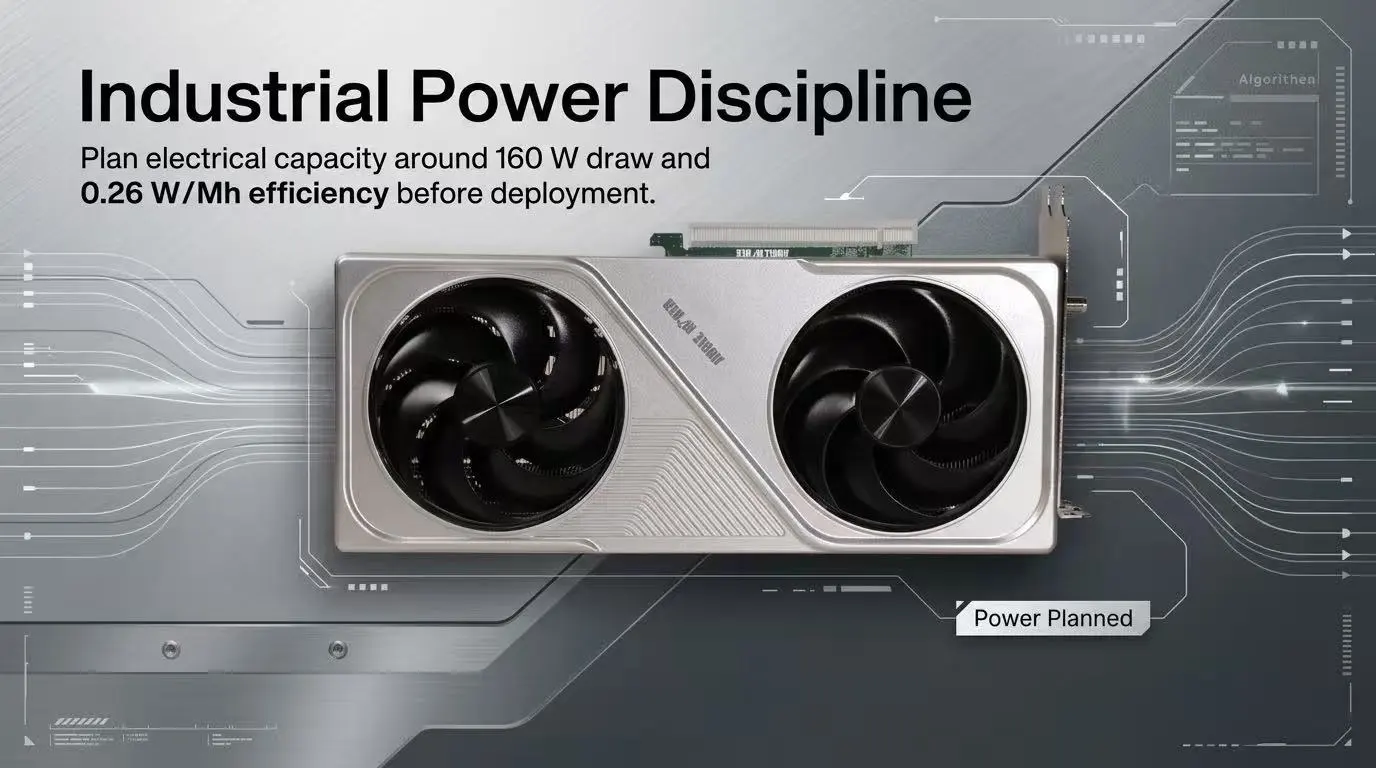
Overheating is a critical concern for any mining hardware, and while the Jingle Miner LTC-DOGE Hashcard consumes only 160W, elevated temperatures can still lead to instability and reduced lifespan. If the hashcard's temperature sensors (visible in the web interface) report unusually high readings, or if the fan is excessively loud or not spinning, immediate action is required. Begin by ensuring the hashcard is in an environment with adequate airflow; remove any obstructions around its intake or exhaust vents. Clean any dust buildup on the fans and heatsinks using compressed air, as dust can significantly impede cooling efficiency. Check if the fan is spinning freely and not making any grinding noises. If the fan is faulty or seized, it will need to be replaced. Verify that the ambient room temperature is within acceptable limits. If the hashcard is operating in a hot environment, supplementary cooling like an external fan or relocation to a cooler space may be necessary to bring temperatures back into a safe operating range.
Technical Support
Should you encounter persistent issues that cannot be resolved using the troubleshooting steps outlined above, JingleMining's dedicated technical support team is ready to assist. Our experts possess in-depth knowledge of the Jingle Miner LTC-DOGE Hashcard and can provide advanced diagnostic assistance, firmware guidance, or hardware-specific solutions. Do not hesitate to reach out for professional help to ensure your mining operations run smoothly and efficiently. Visit the JingleMining website for direct access to our support channels and resources.
Frequently Asked Questions (FAQ)
Q: How do I find my Jingle Miner LTC-DOGE Hashcard's IP address?
A: You can find your hashcard's IP address by using an IP scanning tool on your local network, or by checking your router's connected devices list. The hashcard typically obtains an IP via DHCP automatically upon connection.
Q: What are the optimal environmental conditions for the Jingle Miner LTC-DOGE Hashcard?
A: Optimal conditions include a stable power supply, good airflow, and an ambient temperature between 5°C and 30°C (41°F to 86°F). Keeping it free from dust and direct heat sources will prolong its lifespan.
Q: Can I mine other Scrypt coins with the Jingle Miner LTC-DOGE Hashcard?
A: Yes, the Jingle Miner LTC-DOGE Hashcard is designed for the Scrypt algorithm, meaning it can mine any cryptocurrency that utilizes this algorithm, provided your mining pool supports it. However, LTC and DOGE are typically the most profitable choices due to their established networks.