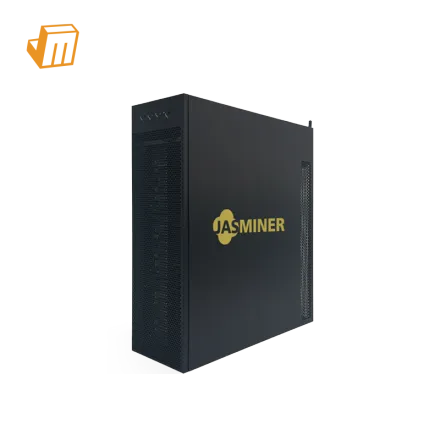

Stable JASMINER X16-Q performance depends on power delivery, network stability, firmware settings, airflow, and temperature control. Use this guide to diagnose low hashrate, overheating, unstable connection, and setup problems before replacing hardware.
Quick Troubleshooting Table
Add a troubleshooting table with the following columns:
Symptom | Possible Cause | What to Check | Recommended Fix
Low hashrate | Pool, network, firmware, or temperature issue | Pool status, network cable, firmware version, miner temperature | Reconnect network, verify pool settings, update firmware, improve cooling
Overheating | Poor airflow or high ambient temperature | Fan speed, dust, room temperature, air outlet | Clean dust, improve ventilation, separate hot and cold air
Unstable connection | Network or DNS issue | Router, cable, IP conflict, DNS setting | Restart router, use stable wired connection, check IP settings
Abnormal fan noise | Dust, worn fan, or obstruction | Fan blades, dust, error log | Clean or replace fan if needed
Power fluctuation | Insufficient or unstable power supply | Rated power, voltage, cable load | Use stable dedicated power and avoid overloaded circuits
This table helps users solve common problems before contacting support or replacing hardware.
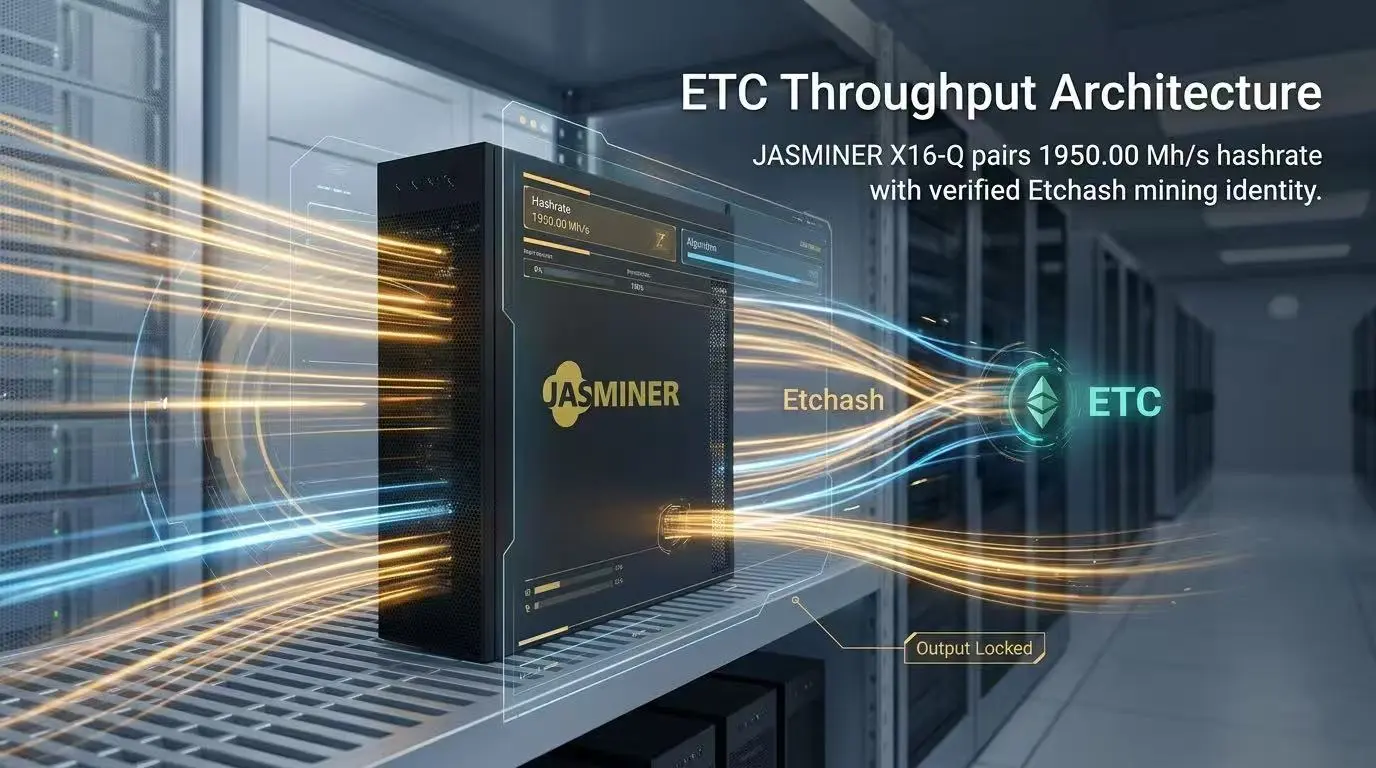
Deployment Prerequisite Checklist
Before powering on your JASMINER X16-Q, a thorough readiness assessment of your environment and resources is paramount. Proper preparation minimizes potential downtime and hardware stress. The JASMINER X16-Q, with its 620W power draw, demands a stable and robust electrical supply, distinct from typical household circuits. Ensure your infrastructure can support this continuous load, accounting for potential voltage fluctuations and the need for dedicated circuits. Adequate ventilation is also non-negotiable for any ASIC miner, especially one designed for sustained high performance. Overheating can severely impact efficiency and shorten hardware lifespan.
Here is a detailed checklist to ensure a smooth deployment:
· Stable Power Supply: A dedicated 220V-240V power outlet with sufficient amperage (minimum 10A for a single unit, but always consult local electrical codes and a qualified electrician) is essential. Use a high-quality, appropriately rated PDU (Power Distribution Unit) and C13/C14 power cables to prevent electrical overload and ensure stable power delivery to the 620W unit.
· Reliable Network Connectivity: A stable wired Ethernet connection (RJ45 cable) is critical. Wireless connections are generally unreliable for continuous mining operations. Ensure your router or switch has available ports and a consistent internet connection with low latency.
· Adequate Ventilation & Cooling: The JASMINER X16-Q generates heat. Position the miner in an open area with good airflow, away from walls or other heat sources. Consider ambient temperature; a cooler environment prolongs hardware life and enhances efficiency. Exhaust fans or an HVAC system might be necessary for multiple units.
· Computer for Initial Configuration: A computer connected to the same local network is required to access the miner's web interface for initial IP address discovery and configuration. Ensure it has a web browser (Chrome, Firefox) and optionally an IP scanning tool.
Configuration & Networking
Once your JASMINER X16-Q is physically set up and connected, the next critical phase involves configuring its network settings and connecting it to a mining pool. This process typically involves identifying the miner's IP address on your local network, accessing its web-based interface, and inputting the necessary pool credentials. A stable and correctly configured network is the backbone of any successful mining operation, directly impacting share submission rates and overall profitability. Incorrect settings can lead to intermittent connectivity, rejected shares, or complete inability to mine.
1. IP Address Discovery:
· Connect your JASMINER X16-Q to your network via an Ethernet cable and power it on.
· Allow a few minutes for the miner to boot up and obtain an IP address from your router via DHCP.
· On your computer, use an IP scanner tool (e.g., Advanced IP Scanner, Angry IP Scanner) to scan your local network. Look for a device with a MAC address starting with a pattern associated with Jasminer or an unknown manufacturer, often identifiable by its power draw (620W) if other devices are few. Alternatively, check your router's DHCP client list for new connected devices.
· Once the IP address is identified, open a web browser and enter the IP address into the URL bar to access the miner's web interface. The default login credentials are often root/root or admin/admin but consult the official Jasminer documentation if these do not work.
2. Stratum Pool Configuration:
· Within the miner's web interface, navigate to the "Miner Configuration" or "Pool Settings" section.
· You will typically find fields for "Pool URL," "Worker," and "Password."
· Enter the Stratum URL provided by your chosen EtHash/Etchash mining pool (e.g., stratum+tcp://eth.pool.com:XXXX). Many pools offer multiple ports; choose one that suits your location or miner's specifications.
· For the "Worker" field, input your mining wallet address, often followed by a unique worker name (e.g., your_wallet_address.JASMINER-X16Q). This helps track individual miner performance on the pool.
· The "Password" field is usually optional and can be left blank or set to x as per pool instructions.
· Save the changes and reboot the miner if prompted. The JASMINER X16-Q should now begin connecting to the pool and submitting shares, leveraging its 1950Mh/s hashrate.
> Pro Tip: Always use static IP addresses for your miners if you manage multiple units. This simplifies network management and troubleshooting, preventing IP conflicts and ensuring consistent access to each device's web interface without needing to rescan the network after a power cycle.

Diagnostic Flowchart
Even with careful setup, miners can encounter operational issues. A systematic diagnostic approach is essential for quickly identifying and resolving common faults, minimizing revenue loss. The JASMINER X16-Q, like any sophisticated hardware, can present various symptoms that require targeted troubleshooting. Understanding the typical indicators of a problem and the corresponding solutions can significantly reduce downtime.
Miner Not Starting or No Hashrate
If your JASMINER X16-Q fails to power on or shows no activity after connection, the issue is often power-related or a fundamental hardware fault. First, verify all power cables are securely connected to both the miner and the power outlet. Check the power supply unit (PSU) indicator lights; if they are off or flashing erratically, the PSU may be faulty or not receiving adequate input power. Test the power outlet with another device to rule out a circuit issue. If the miner powers on but displays no hashrate on the pool or its interface, ensure the network cable is firmly seated and its link lights are active. A simple reboot of the miner and router can often clear transient network glitches. If problems persist, consider checking the miner's log files via the web interface for specific error messages that might indicate a hardware component failure.
Low Hashrate or Intermittent Performance
A JASMINER X16-Q performing below its advertised 1950Mh/s or exhibiting erratic hashrate patterns points towards network instability, overheating, or a degraded hashboard. Begin by checking your internet connection stability; high latency or packet loss can severely impact share submission. Monitor the miner's temperature readings through its web interface. If temperatures are consistently high, improve ambient airflow, clean dust from fans and heatsinks, and ensure no obstructions are blocking ventilation. Overclocking attempts beyond factory settings can also lead to instability and reduced hashrate; reset to default if applicable. If specific hashboards are showing zero or significantly lower hashrates in the miner's status page, they may be failing. Isolate the problematic hashboard by disconnecting and reconnecting it, or consider professional repair if the issue persists across reboots and environmental optimizations.
Network Connectivity Issues
Inability to access the miner's web interface or connect to the mining pool despite the miner being powered on often indicates a network configuration problem. Verify the Ethernet cable is working by testing it with another device. Ensure the miner's IP address is within the correct subnet range of your router and that no other device is using the same IP address (IP conflict). If you configured a static IP, double-check the settings. Try resetting your router to factory defaults and reconfiguring your network, or assign a new IP address to the miner. Firewall settings on your router or local network can also block outbound connections to mining pools; ensure that the necessary ports (typically port 3333, 443, or others specified by your pool) are open. A factory reset of the miner (if accessible via the web interface or a physical button) can revert network settings to default DHCP, allowing it to obtain a new IP address.
Technical Support
Should you encounter persistent issues with your JASMINER X16-Q that cannot be resolved using the troubleshooting steps outlined above, JingleMining's expert technical support team is ready to assist. Our specialists possess deep knowledge of Jasminer products and can provide advanced diagnostics and personalized solutions to get your miner back to optimal performance. Do not hesitate to reach out for further assistance with complex configuration challenges, hardware diagnostics, or any other operational concerns you may have.
Frequently Asked Questions (FAQ)
Q: What is the ideal operating temperature for the JASMINER X16-Q?
A: The JASMINER X16-Q, like most ASIC miners, performs best in a cool, stable environment, typically between 5°C and 35°C (41°F - 95°F). Maintaining temperatures within this range helps ensure its 1950Mh/s hashrate is stable and prolongs the lifespan of its components.
Q: How do I update the firmware on my JASMINER X16-Q?
A: Firmware updates are typically performed through the miner's web interface. You would download the official firmware file from the Jasminer website, navigate to the "System" or "Firmware Update" section in the miner's GUI, upload the file, and follow the on-screen prompts to complete the process. Always ensure a stable power supply during updates.
Q: Can I use Wi-Fi to connect my JASMINER X16-Q to the network?
A: No, the JASMINER X16-Q, like most professional ASIC miners, requires a wired Ethernet connection for stable and reliable operation. Wi-Fi connections are prone to latency, disconnections, and interference, which can significantly degrade mining performance and lead to rejected shares.