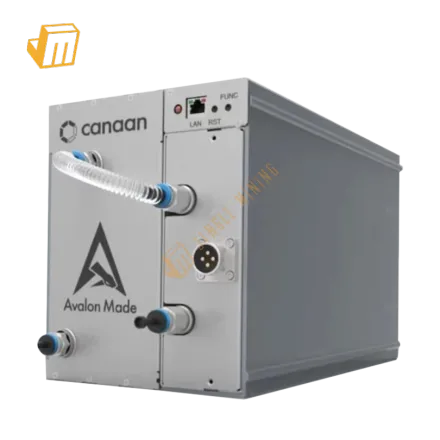

Deploying a high-performance SHA-256 miner like the Canaan Avalonminer 1566HS requires meticulous attention to detail from initial setup to ongoing maintenance. This guide provides a robust framework for ensuring your 350.00 Th/s unit operates at peak efficiency, minimizing downtime and maximizing its contribution to the Bitcoin network. Proper installation, precise network configuration, and an understanding of common diagnostic procedures are paramount for any serious mining operation, regardless of scale.
Deployment Prerequisite Checklist
Before powering on your Canaan Avalonminer 1566HS, a thorough preparation of your environment and resources is essential to prevent operational issues and ensure long-term stability. This initial setup phase lays the groundwork for efficient and safe mining, crucial for a unit drawing 5880 W. Overlooking any of these foundational steps can lead to frustrating downtime or even hardware damage, impacting your overall mining profitability.
· Dedicated Power Infrastructure: The Avalonminer 1566HS requires a stable power source capable of delivering 5880 W. This necessitates a dedicated 220-240V circuit, ideally with a 30A or higher breaker, and a compatible PDU (Power Distribution Unit) with C13/C14 outlets and appropriate cables. Ensure your electrical system can handle the continuous load without tripping breakers or causing voltage fluctuations, which can degrade miner performance and lifespan.
· Robust Network Connectivity: A stable, low-latency internet connection is crucial. Connect your miner directly to your router or switch via an Ethernet cable. Wi-Fi is generally not recommended for ASIC miners due to potential instability and higher latency, which can result in stale shares and reduced mining efficiency. Static IP assignment for the miner is highly recommended for easier management and remote access.
· Adequate Cooling and Ventilation: The 5880 W power draw generates substantial heat. Your deployment location must have sufficient airflow to dissipate this heat effectively. This might involve an exhaust system, ambient air intake, or even a dedicated immersion cooling setup for larger operations. Maintaining an optimal operating temperature is critical for the longevity and performance of the 16.80 W/Th efficient miner.
· Management Tools and Software: You will need a computer on the same network to access the miner's web interface. Essential software includes an IP scanner (e.g., Angry IP Scanner, Advanced IP Scanner) to locate the miner on your network and a web browser for configuration. Ensure your chosen Bitcoin mining pool account is set up with valid worker names and passwords.
Configuration & Networking
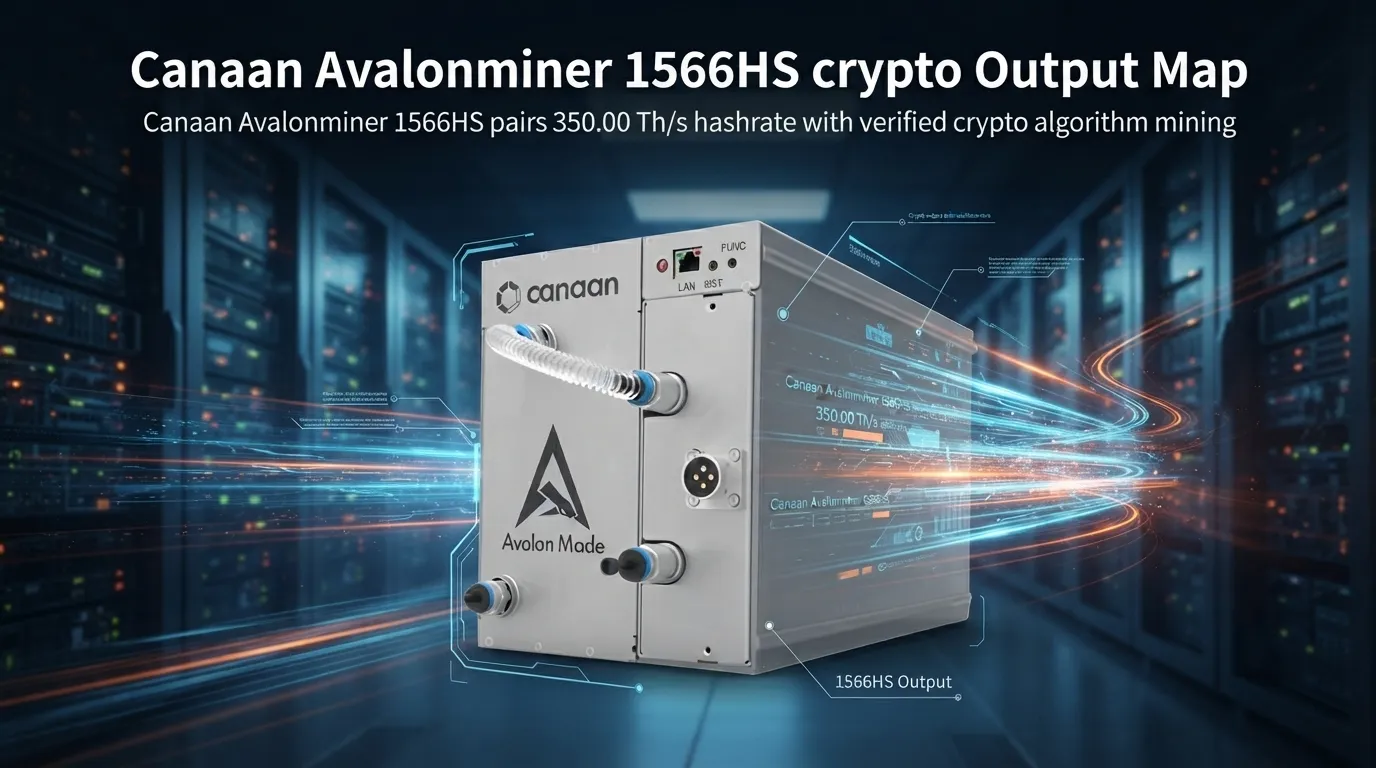
Proper configuration and networking are the bedrock of a stable mining operation. The Canaan Avalonminer 1566HS, like any powerful ASIC, requires precise settings to connect to the Bitcoin network and contribute its 350.00 Th/s hashrate effectively. Understanding these steps will empower you to bring your miner online swiftly and maintain its connection reliably.
The first step after powering on your Avalonminer 1566HS is to discover its IP address on your local network. Miners typically boot with DHCP enabled, meaning they automatically request an IP address from your router. 1. Utilize an IP scanning tool on a computer connected to the same network. Scan the entire IP range of your local network (e.g., 192.168.1.1-254). 2. Look for devices with "Canaan" or "Avalonminer" in their hostname, or identify the new device by its MAC address. Once found, note down the IP address. Alternatively, some Avalonminer models have a physical IP report button that will flash the IP address on an attached control board screen or broadcast it via a speaker. 3. Open a web browser and enter the miner's IP address. You will be prompted for login credentials, which are typically root for both username and password by default. It is highly advisable to change these default credentials immediately upon first access for security.
After successfully logging into the miner's web interface, navigate to the "Network" settings to configure its IP address. While DHCP is convenient for initial discovery, assigning a static IP address to your Avalonminer is best practice for long-term stability and easier management, especially if you plan to operate multiple units. This prevents the miner's IP from changing after a power cycle or router reboot, which would necessitate rescanning the network. 1. Locate the network configuration section within the web interface. 2. Change the IP configuration from DHCP to "Static IP". 3. Enter a static IP address that is outside your router's DHCP range but within your network's subnet (e.g., if your router assigns 192.168.1.100-200, use 192.168.1.50). 4. Input the correct Subnet Mask (usually 255.255.255.0), Gateway IP (your router's IP), and DNS Server IPs (can be your router's IP or public DNS servers like 8.8.8.8). Save the changes and reboot the miner for the new settings to take effect.
Finally, configure the Stratum mining pool settings to direct your miner's 350.00 Th/s hashpower to your chosen Bitcoin mining pool. This is where you specify the pool's server address and your worker details. 1. Navigate to the "Miner Configuration" or "Pool Settings" section. 2. Enter the Stratum URL(s) provided by your mining pool. Most pools offer multiple URLs for redundancy (e.g., stratum+tcp://btc.pool.com:3333). It's recommended to configure at least two pool URLs. 3. Input your Worker Name (typically your pool username followed by a worker identifier, e.g., username.worker1). 4. Enter the password for your worker, usually x or a specific password you set on the pool website. Save the settings. The miner should now connect to the pool and begin hashing. Monitor the miner's status page for "Accepted Shares" to confirm successful operation.
> Pro Tip: Always use multiple Stratum URLs from your chosen mining pool. This redundancy ensures that if one server goes offline or experiences issues, your Avalonminer 1566HS can automatically switch to another, minimizing downtime and ensuring continuous hashing.
Diagnostic Flowchart
Even with careful setup, mining hardware can encounter issues. Knowing how to diagnose and resolve common faults with your Canaan Avalonminer 1566HS can significantly reduce downtime and maintain its 350.00 Th/s output. This section outlines key diagnostic steps for frequently encountered problems.
Miner Not Hashing or Low Hashrate
If your Avalonminer 1566HS is powered on but not reporting any hashrate or a significantly reduced 350.00 Th/s, the issue often lies with network connectivity or pool configuration. First, verify the physical Ethernet cable connection at both the miner and the router/switch, ensuring it's securely seated and not damaged. Next, access the miner's web interface (using the static IP or by rescanning if DHCP) and navigate to the "Miner Status" or "Log" page. Check for any error messages related to network connectivity, such as "Network unreachable" or "Pool connection failed." Confirm that your Stratum pool URLs, worker name, and password are correctly entered and match the details provided by your mining pool. Incorrect credentials or typos are common culprits. If the network settings (IP, Subnet, Gateway, DNS) were manually configured, double-check them against your network's parameters. A simple reboot of the miner, and potentially your network equipment (router/switch), can often resolve temporary connectivity glitches. If the issue persists, try connecting the miner to a different Ethernet port or cable, or even a different network segment if available, to rule out faulty infrastructure.
Overheating or Fan Errors
The Canaan Avalonminer 1566HS generates considerable heat with its 5880 W power draw, making proper cooling critical. If the miner's status page reports high temperatures or fan errors, immediate action is required to prevent damage. Begin by inspecting the physical environment: ensure no obstructions are blocking the air intake or exhaust vents of the miner. Check that both fans are spinning freely and at high RPM. Dust accumulation is a major contributor to overheating; carefully power down the miner, disconnect it, and use compressed air to clean out any dust buildup from the heatsinks and fans. Verify that the ambient room temperature is within the manufacturer's recommended operating range (typically below 35°C/95°F). If the fans are not spinning or are making unusual noises, they may be faulty and require replacement. For persistent overheating in an otherwise clean environment, consider improving the room's ventilation system or relocating the miner to a cooler spot. Monitoring the miner's efficiency of 16.80 W/Th can also indirectly indicate thermal issues if it drops significantly without other apparent causes.
Power Issues or Frequent Reboots
Intermittent power issues or unexpected reboots can severely disrupt your mining operation. The high power demand of the Avalonminer 1566HS (5880 W) makes it susceptible to problems stemming from an unstable or insufficient electrical supply. Start by checking all power cables and connections, from the wall outlet or PDU to the miner's power supply unit (PSU). Ensure they are firmly seated and that no cables are frayed or damaged. Verify that the electrical circuit the miner is connected to is not overloaded; if other high-draw appliances are on the same circuit, they could be causing voltage drops or tripping breakers. Test the outlet with another high-wattage device if possible, or try plugging the miner into a different dedicated circuit. A faulty PSU is another common cause of power instability; if you have a spare, swap it out to see if the problem resolves. Firmware corruption can sometimes manifest as reboot loops; if hardware checks yield no results, consider performing a firmware reflash according to Canaan's official instructions, ensuring you download the correct version for your 1566HS model.
Technical Support
Should you encounter persistent issues that cannot be resolved using the diagnostic steps outlined above, or if you require further assistance with your Canaan Avalonminer 1566HS, JingleMining's expert technical support team is ready to help. Our specialists possess deep knowledge of ASIC hardware and software, capable of guiding you through complex troubleshooting scenarios to restore your miner's optimal performance. Do not hesitate to reach out for personalized assistance with setup, configuration, or advanced diagnostics.
Frequently Asked Questions (FAQ)
Q: What power requirements does the Canaan Avalonminer 1566HS have?
A: The Canaan Avalonminer 1566HS requires a dedicated 220-240V power supply, drawing 5880 W. It is crucial to have a robust electrical circuit and appropriate PDU to support this continuous load, ensuring stability and preventing electrical issues.
Q: How do I find my Avalonminer's IP address on the network?
A: You can find your miner's IP address by using an IP scanning tool on a computer connected to the same network, looking for devices with "Canaan" or "Avalonminer" in their hostname. Some models also feature a physical button that can report the IP address.
Q: What is the recommended way to configure mining pools for the Avalonminer 1566HS?
A: It is recommended to configure at least two Stratum URLs from your chosen Bitcoin mining pool within the miner's web interface. This redundancy ensures that if one pool server experiences downtime, your 350.00 Th/s miner can automatically switch to another, maintaining continuous operation.