
Avalon Q 24-Hour Startup Validation
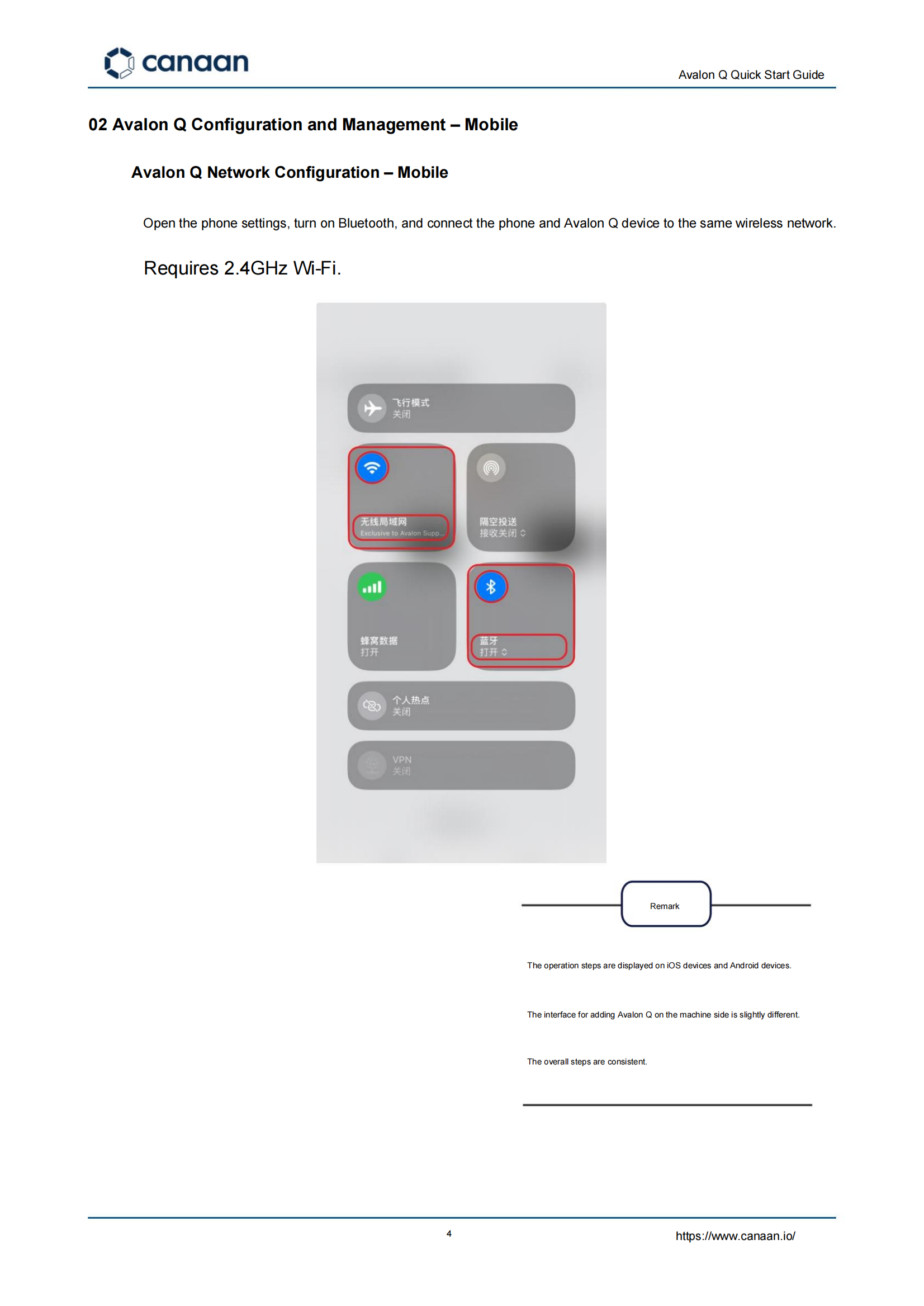
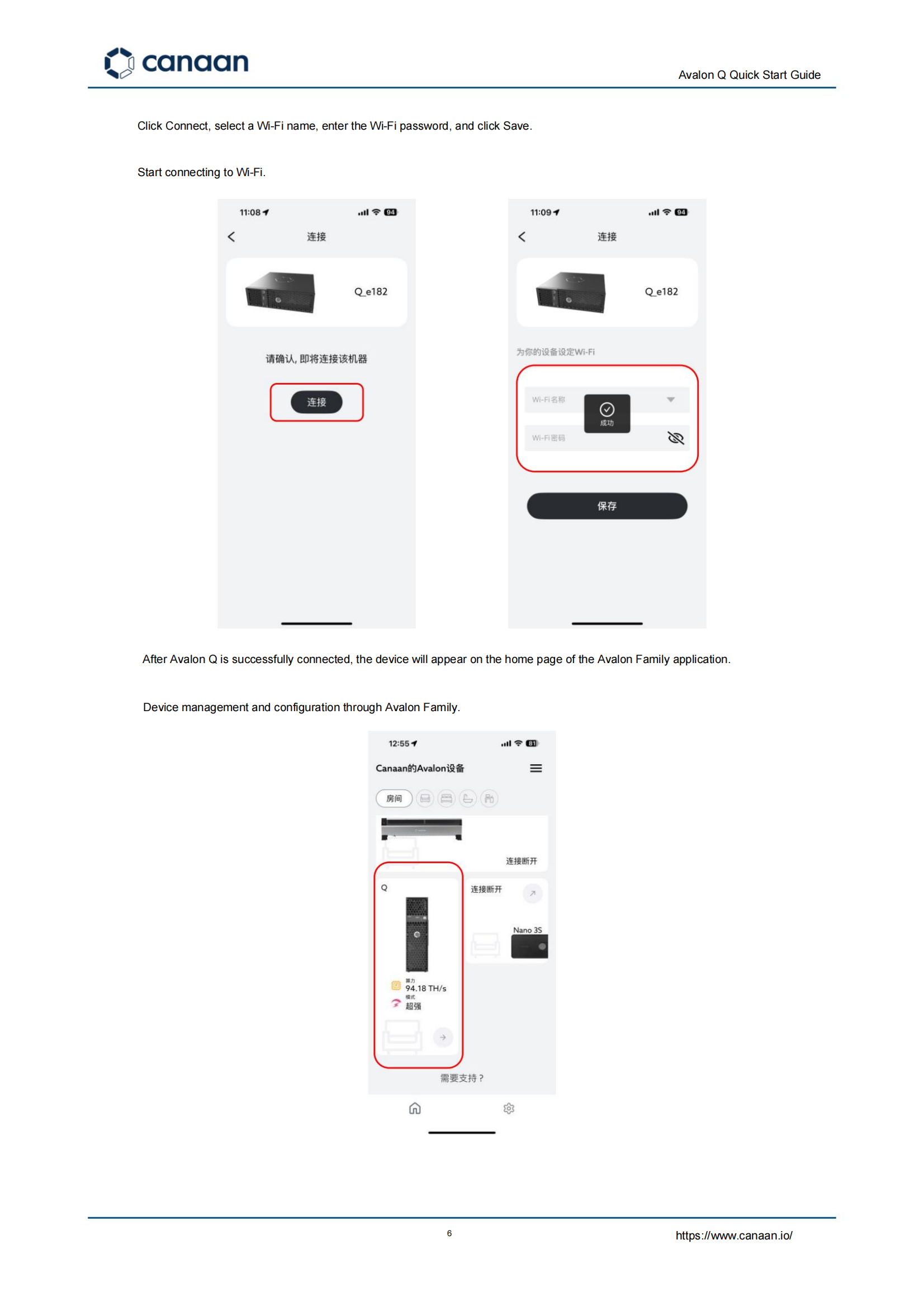
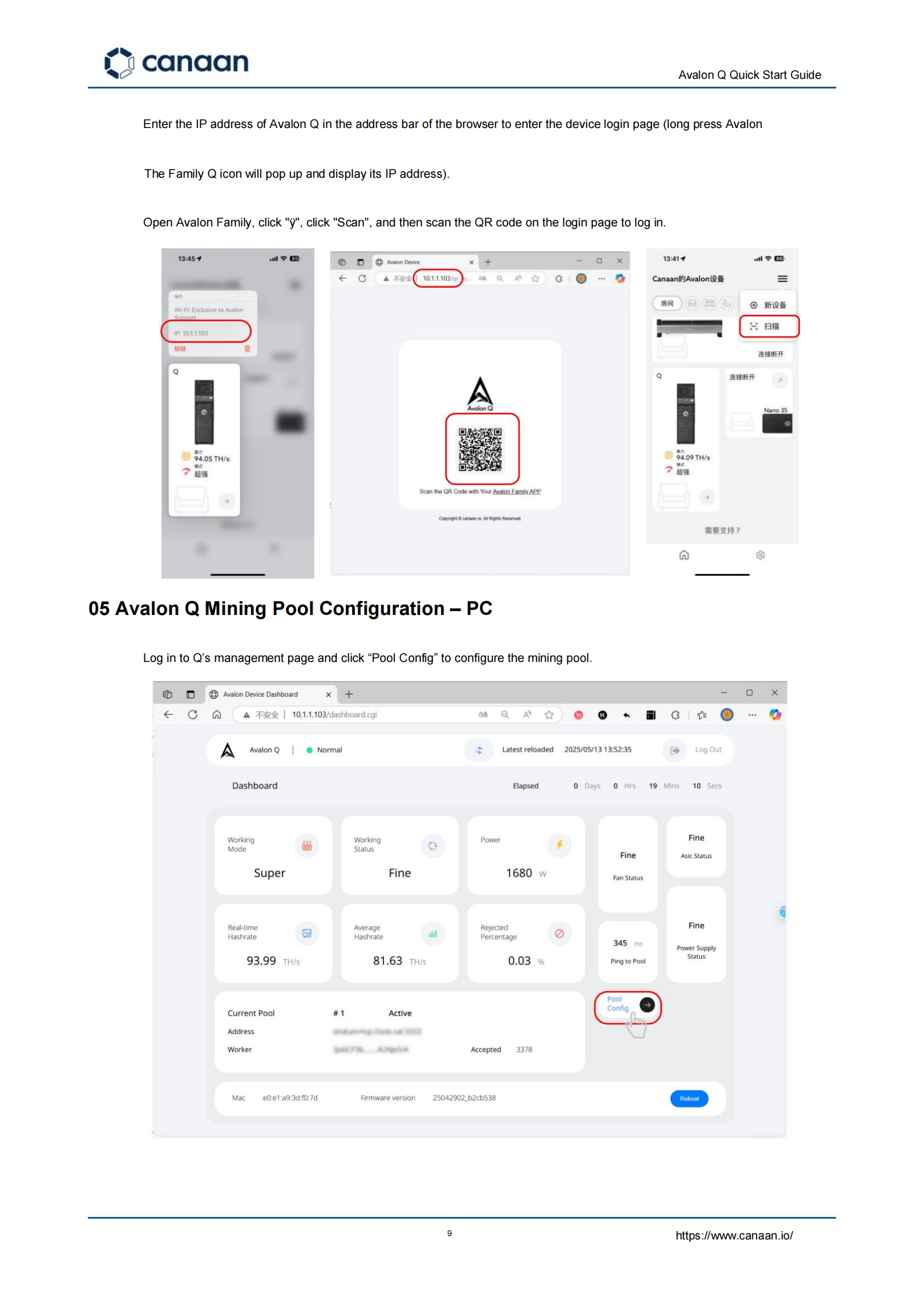
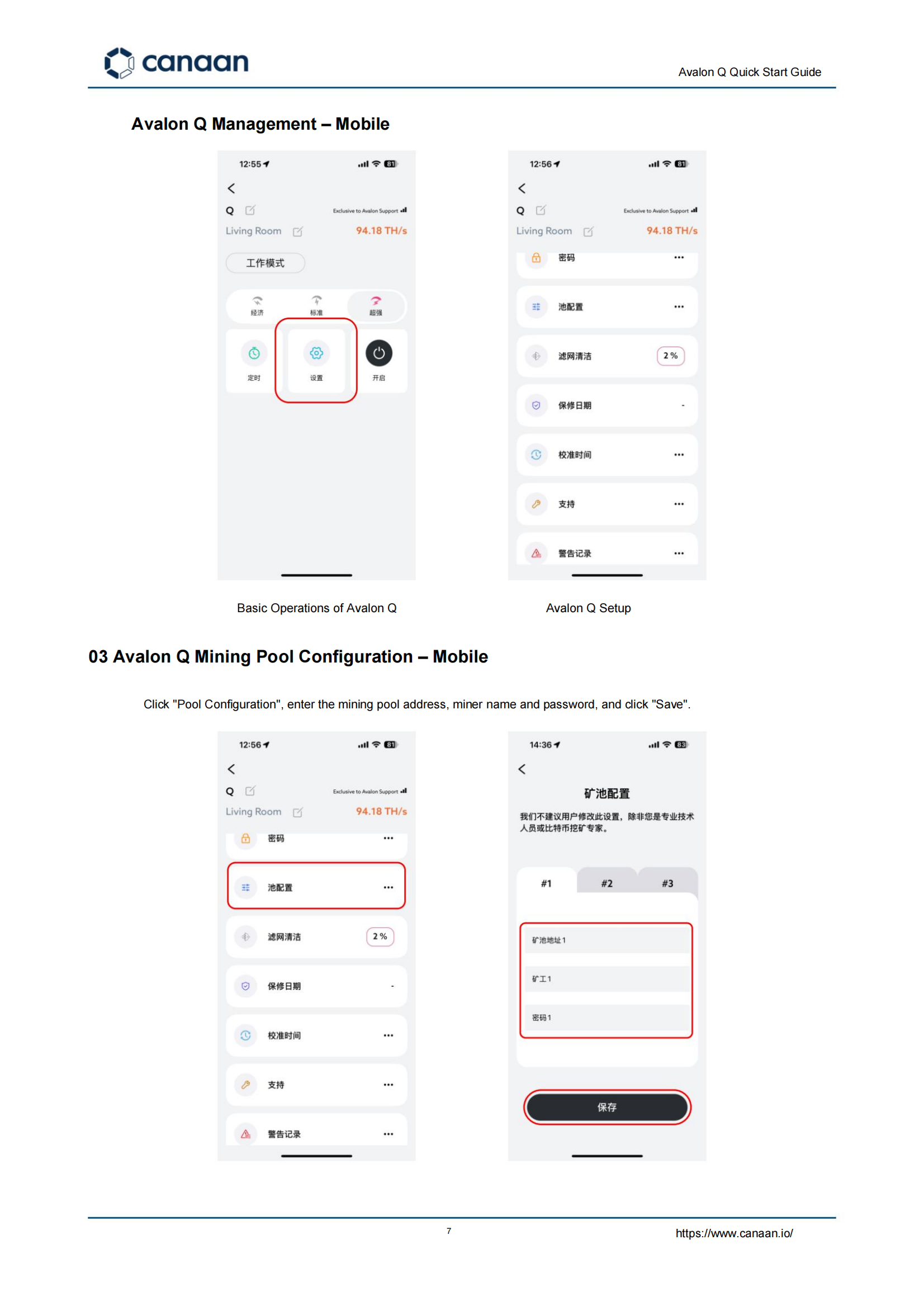
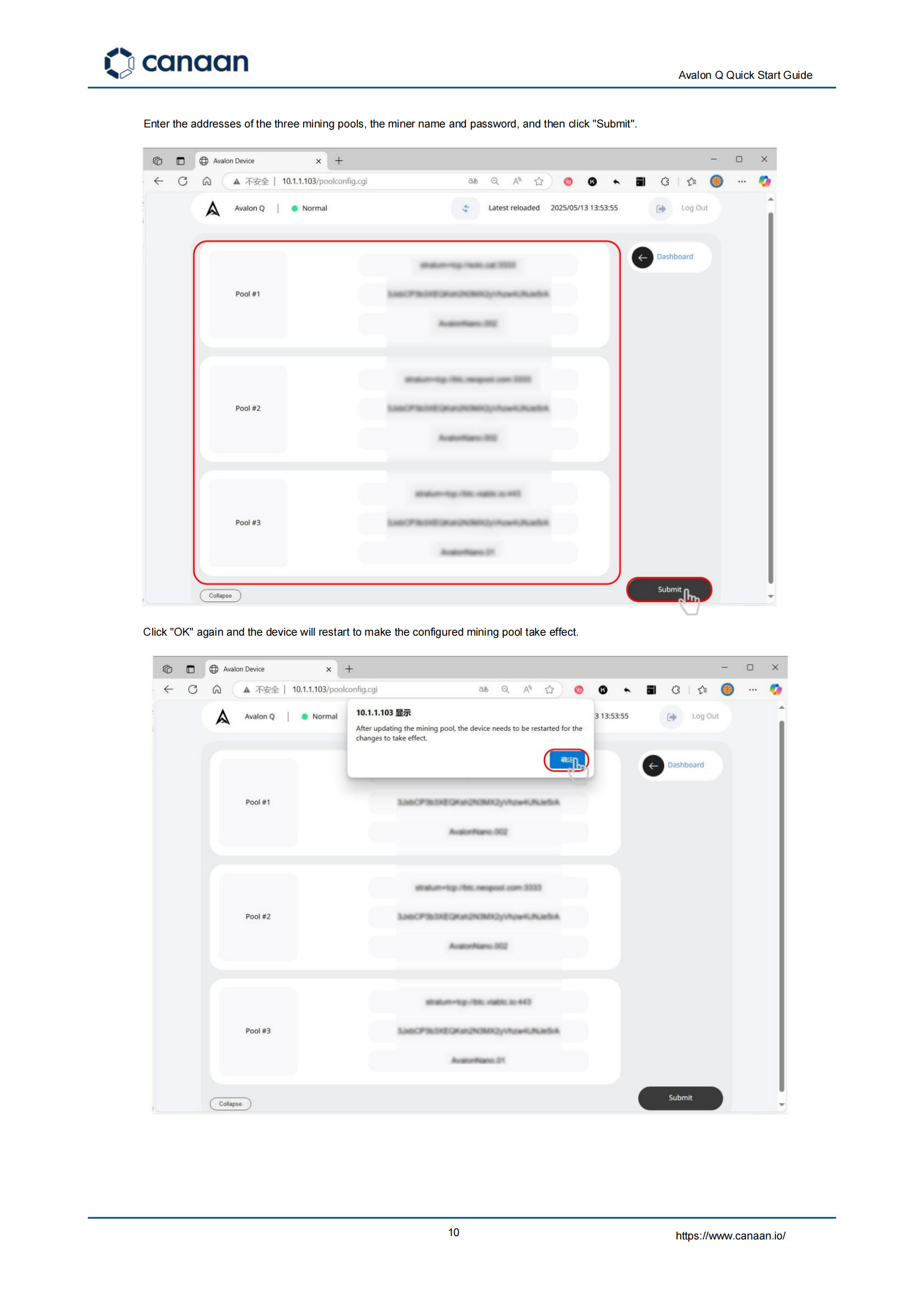
After configuring the Avalon Q, do not judge success only by the first dashboard hashrate. Use a 24-hour validation window. Before startup, confirm the power cable, circuit capacity, airflow direction, and pool credentials. During the first 10 minutes, check whether the miner obtains an IP address and whether fans ramp normally. During the first hour, verify accepted shares and watch for repeated reconnects. After 24 hours, compare average hashrate with the expected operating range and inspect temperature, fan speed, and rejection rate. In 2026, this validation process reduces unnecessary returns and support tickets. Add a small table for “symptom, likely cause, first action” so the tutorial becomes genuinely useful.